 Cast Timer
The TV stops by itself when screen time is up
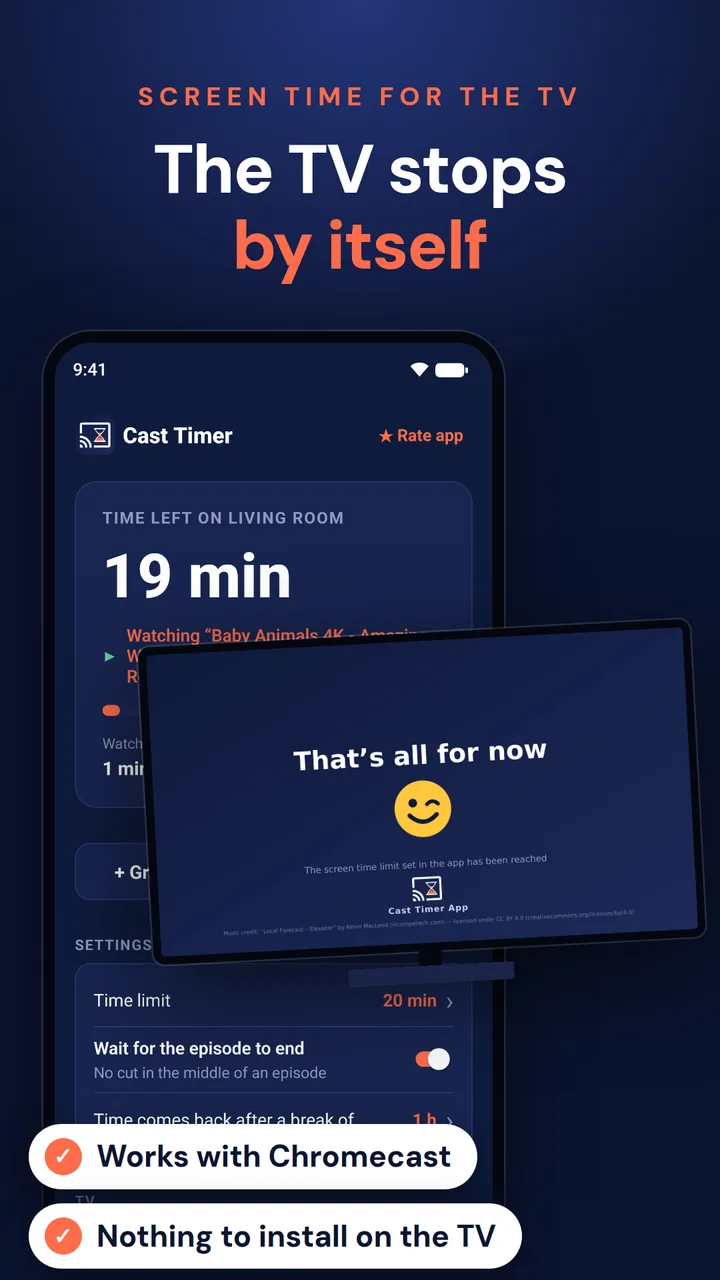
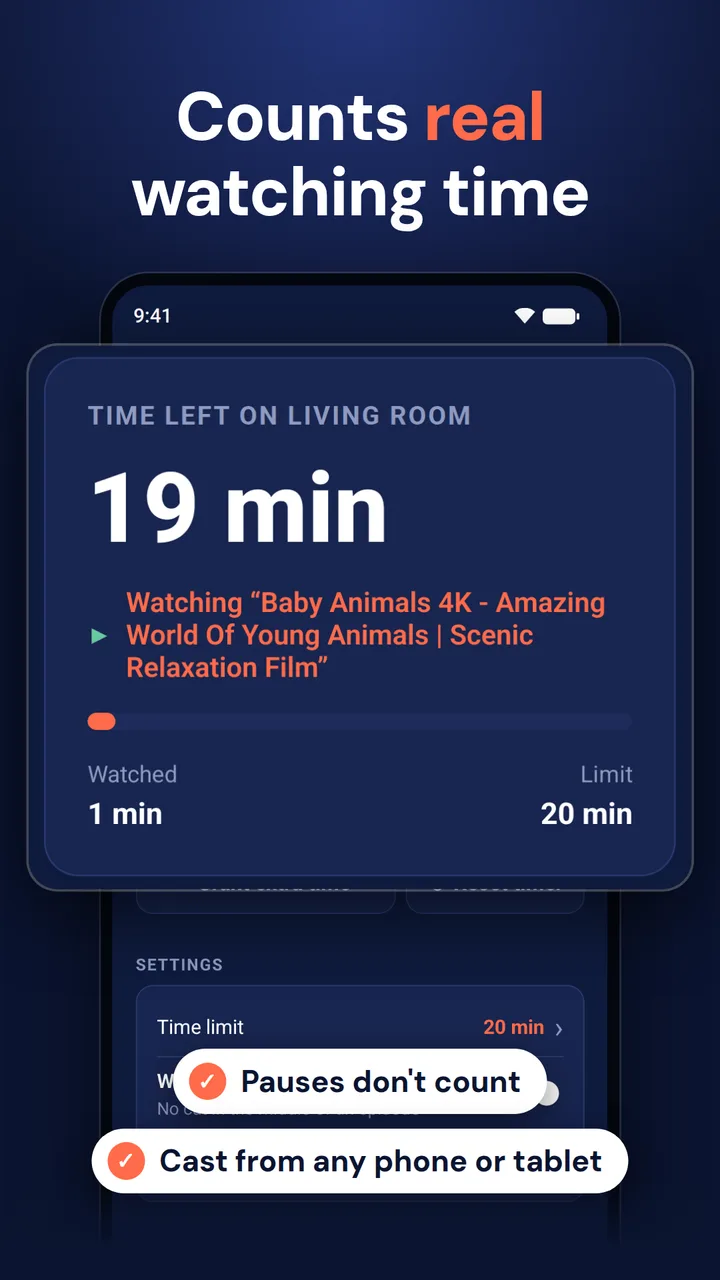
Cast Timer sets a screen time limit on everything cast to the TV. It counts the real watching time, waits for the episode to end, then stops the TV with a calm end screen. No more "just one more episode".

Why Cast Timer
Casting to the TV slips through most parental controls and screen time apps. The limits you set on a phone or a tablet stop counting the moment the video moves to the big screen, and the TV has no timer of its own. Cast Timer closes that gap: it follows what is cast to the TV, from any phone or tablet in the house.
It works for the kids' cartoons, and for yourself: Cast Timer also helps adults keep binge-watching in check, and works as a sleep timer for casting.
How it works
- Install Cast Timer on your phone.
- Pick your Chromecast or TV from the list.
- Set the time limit.
That's it. Cast Timer keeps an eye on the TV and steps in when the time is up.
What it does
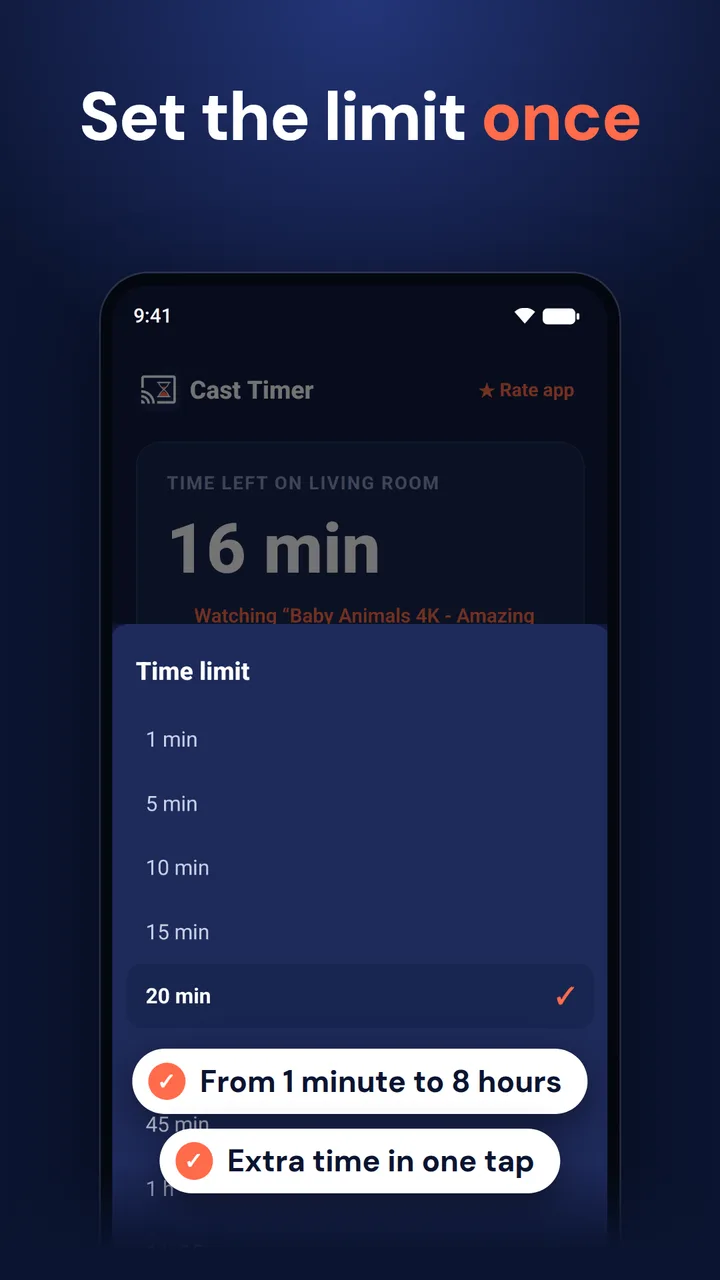
- Set a TV time limit, from 1 minute up to 8 hours. Only real watching time counts: pauses, menus, music and radio don't eat into the limit.
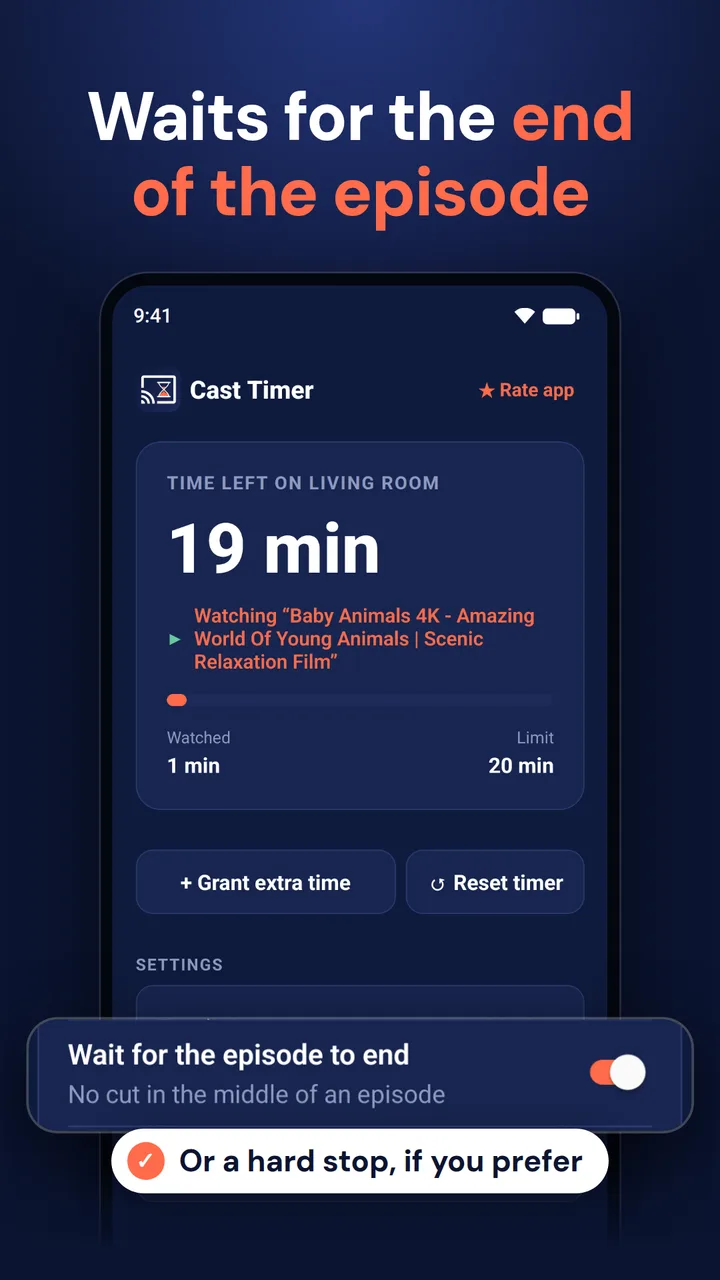
- Waits for the episode to end. Cutting a cartoon in the middle of the story is the fastest way to start a meltdown. Prefer a hard stop? Turn this option off.
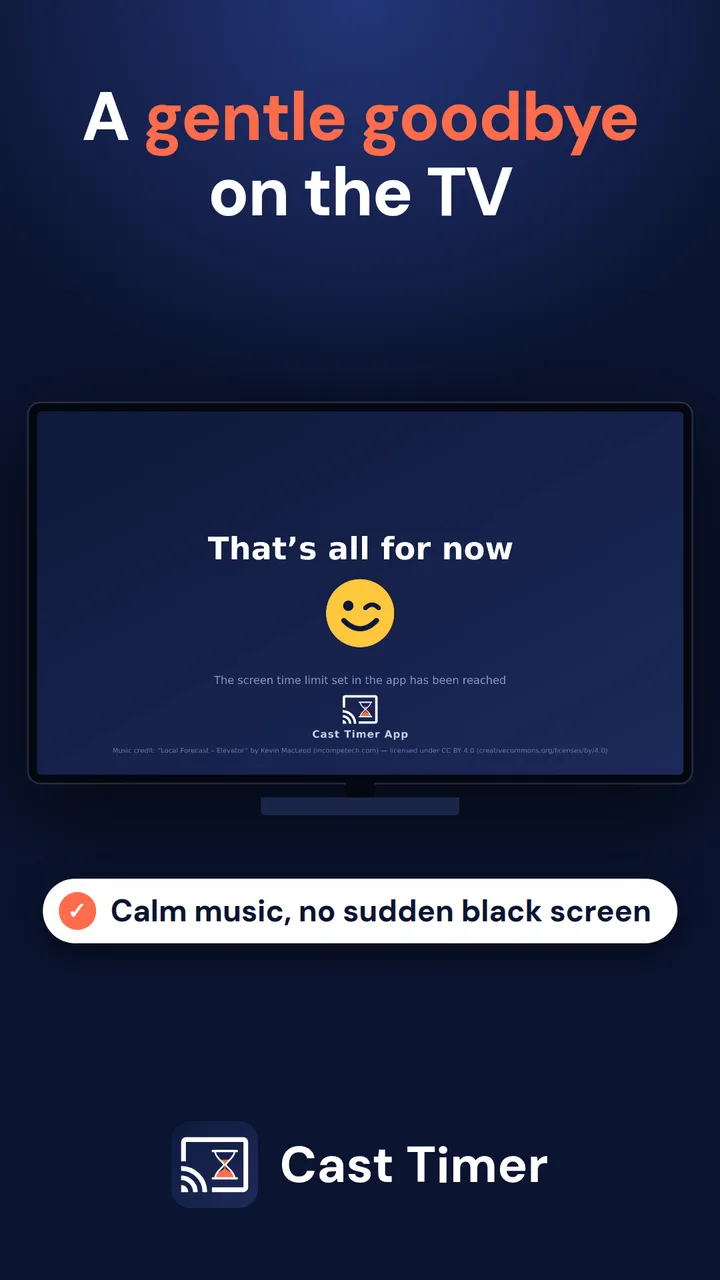
- A gentle goodbye on the TV. Instead of a sudden black screen, the TV shows a calm "That's all for now" screen with soft music.
- Time comes back after a break. When nobody has watched anything for a while, the counter resets on its own. You choose how long that break must be (10 minutes by default).
- Grant more time in one tap. Rainy day, sick day, movie night? Add extra time or reset the counter from your phone.
- Nothing to install on the TV. Cast Timer runs on your phone and talks to the Chromecast directly, so it works with any Chromecast, including older models.
Good to know
- Your phone must be on the same Wi-Fi network as the TV, and stay at home while the TV is on.
- Works with Chromecast, Google TV, Android TV and TVs with Chromecast built-in, and with most video apps that support casting.
- Only content cast to the TV from a phone or tablet is counted. Apps opened directly on the TV with the remote are not covered.
- Your settings stay on your phone. No account, no ads, no personal data collected.
Credits
Chromecast, Google TV and Android TV are trademarks of Google LLC. Cast Timer is an independent app, not affiliated with or endorsed by Google.
Music on the end screen: "Local Forecast – Elevator" by Kevin MacLeod (incompetech.com), licensed under CC BY 4.0.
Get Cast Timer